Skip to content
Tech Confidence with Karrie: Building Confidence, One Click at a Time
Tech Confidence with Karrie
  • Tech Confidence with Karrie
  • Blog Posts
  • Tech Confidence Mindset
  • Time-Saving Systems
  • Automation Made Simple
  • Tech Tips
  • Toggle website search
Press Escape to close the search panel.
Menu Close
  • Tech Confidence with Karrie
  • Blog Posts
  • Tech Confidence Mindset
  • Time-Saving Systems
  • Automation Made Simple
  • Tech Tips
Search this website

Google Tools

Read more about the article How Version History Can Save Your Bacon: A Beginner’s Guide to Google Sheets

How Version History Can Save Your Bacon: A Beginner’s Guide to Google Sheets

  • Post author:Karrie
  • Post published: 11/23/2026
  • Post category:Tech Tips

Accidentally changed something in Google Sheets? Learn how to find, review, and restore earlier versions of your spreadsheet using Version History, with simple step-by-step instructions for beginners.
Continue ReadingHow Version History Can Save Your Bacon: A Beginner’s Guide to Google Sheets
Read more about the article How to Create Your First Google Sheet: A Step-by-Step Beginner’s Guide

How to Create Your First Google Sheet: A Step-by-Step Beginner’s Guide

  • Post author:Karrie
  • Post published: 11/17/2026
  • Post category:Tech Tips

Learn how to create your first Google Sheet step by step. This beginner-friendly tutorial covers opening Google Sheets, naming a spreadsheet, entering information into cells, automatic saving, and finding your file again.

Continue ReadingHow to Create Your First Google Sheet: A Step-by-Step Beginner’s Guide
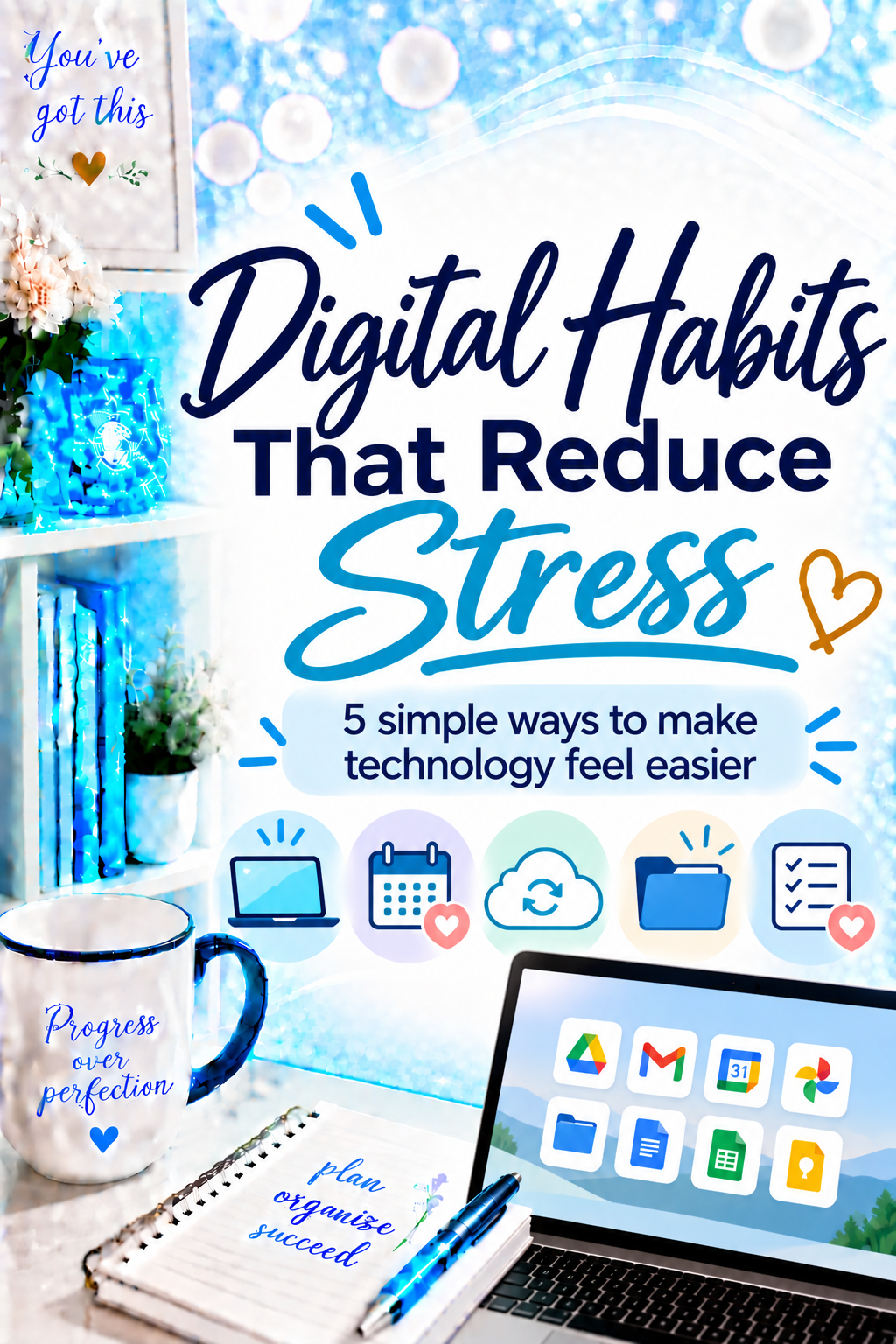
Read more about the article 5 Digital Habits That Reduce Stress and Make Technology Easier

5 Digital Habits That Reduce Stress and Make Technology Easier

  • Post author:Karrie
  • Post published: 11/12/2026
  • Post category:Work Smarter

Technology shouldn't give you more things to remember. These five simple digital habits can reduce mental clutter, eliminate repeated frustration, and help technology do more of the remembering for you.

Continue Reading5 Digital Habits That Reduce Stress and Make Technology Easier
Read more about the article What Is a Browser Extension? A Simple Explanation for Non-Techies

What Is a Browser Extension? A Simple Explanation for Non-Techies

  • Post author:Karrie
  • Post published: 10/29/2026
  • Post category:Content Simplified

What is a browser extension? Learn what browser extensions do, how they add features to browsers like Chrome and Edge, and what to consider before installing one.

Continue ReadingWhat Is a Browser Extension? A Simple Explanation for Non-Techies
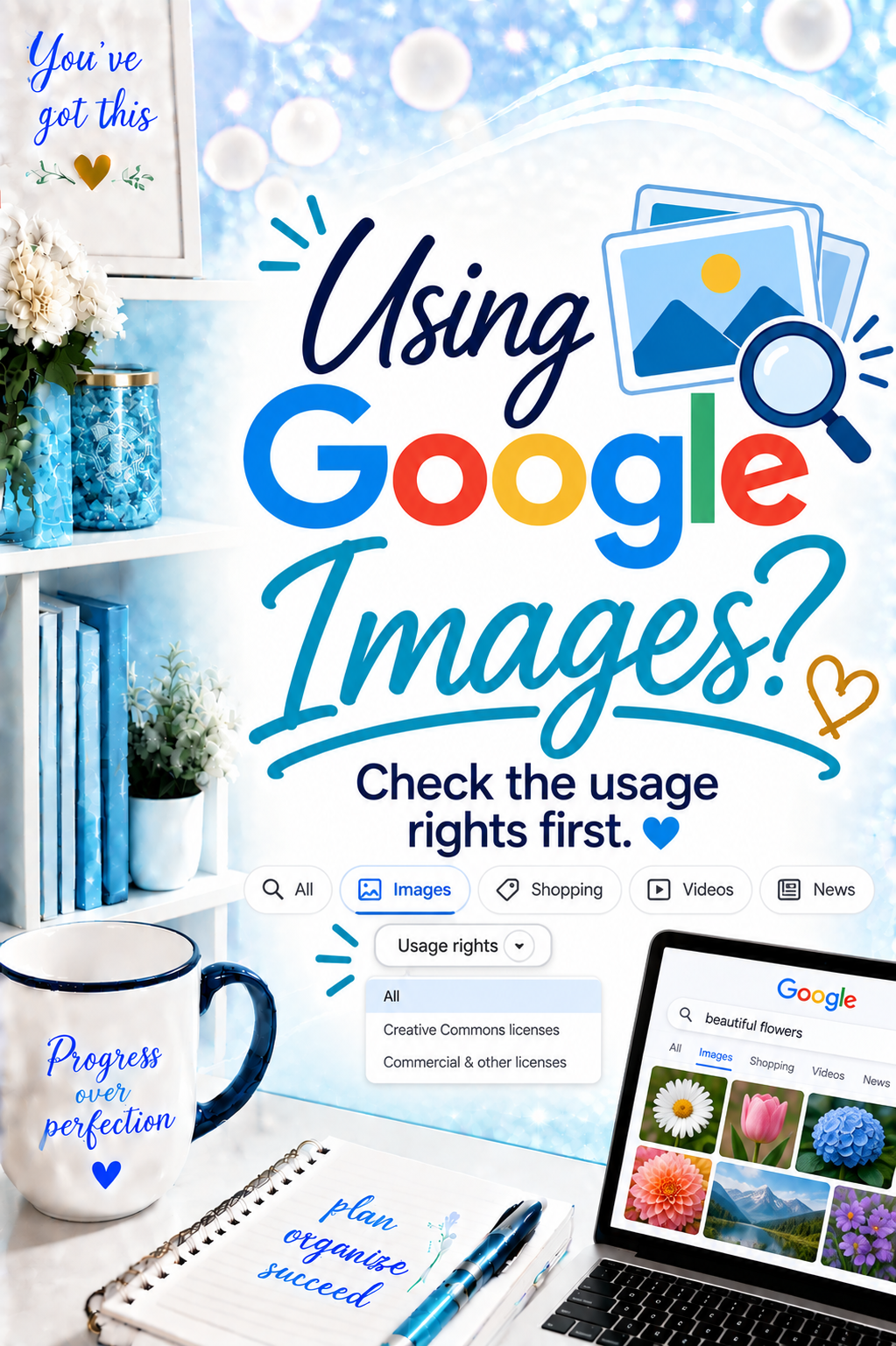
Read more about the article How to Use Google Images Without Assuming Every Image Is Free to Use

How to Use Google Images Without Assuming Every Image Is Free to Use

  • Post author:Karrie
  • Post published: 10/12/2026
  • Post category:Content Simplified

Google Images can help you find pictures, but finding an image doesn't automatically mean you can use it. Learn how to use Google's Usage rights filter and why you should always verify licensing at the original source.

Continue ReadingHow to Use Google Images Without Assuming Every Image Is Free to Use
Read more about the article What Is Google Drive? Free Google Tools Explained for Beginners

What Is Google Drive? Free Google Tools Explained for Beginners

  • Post author:Karrie
  • Post published: 10/05/2026
  • Post category:Tech Tips

What is Google Drive, and is it really free? Learn how Google Drive works and discover the free tools available with a Google account, including Docs, Sheets, Slides, and Forms.

Continue ReadingWhat Is Google Drive? Free Google Tools Explained for Beginners
Read more about the article How to Copy Text From a Photo or Image With Google Lens

How to Copy Text From a Photo or Image With Google Lens

  • Post author:Karrie
  • Post published: 09/22/2026
  • Post category:Tech Tips

Stop retyping text that's already in a photo or screenshot. Learn how Google Lens can recognize, select, and copy text from an image so you can paste it wherever you need it.

Continue ReadingHow to Copy Text From a Photo or Image With Google Lens
Read more about the article What Is the Cloud? Cloud Storage Explained in Plain English

What Is the Cloud? Cloud Storage Explained in Plain English

  • Post author:Karrie
  • Post published: 09/17/2026
  • Post category:Content Simplified

What does it actually mean when someone says your files are “in the cloud”? Here’s a simple explanation of cloud storage, how you already use it, and why it can make accessing your files easier.

Continue ReadingWhat Is the Cloud? Cloud Storage Explained in Plain English
Read more about the article How to Use Gmail Labels to Organize Your Inbox

How to Use Gmail Labels to Organize Your Inbox

  • Post author:Karrie
  • Post published: 09/15/2026
  • Post category:Tech Tips/Work Smarter

Gmail Labels can help you organize related emails and find important messages faster. Learn how labels work, how they’re different from traditional folders, and how to use them without creating an overly complicated email system.

Continue ReadingHow to Use Gmail Labels to Organize Your Inbox
Read more about the article Gmail Schedule Send: Write Your Email Now and Send It Later

Gmail Schedule Send: Write Your Email Now and Send It Later

  • Post author:Karrie
  • Post published: 09/08/2026
  • Post category:Tech Tips

Writing an email at 2 A.M. doesn’t mean you have to send it at 2 A.M. Gmail’s Schedule Send feature lets you write messages when it’s convenient for you and choose when they’ll actually be delivered.

Continue ReadingGmail Schedule Send: Write Your Email Now and Send It Later
  • 1
  • 2
  • Go to the next page
Copyright 2026 - Karrie Massotti