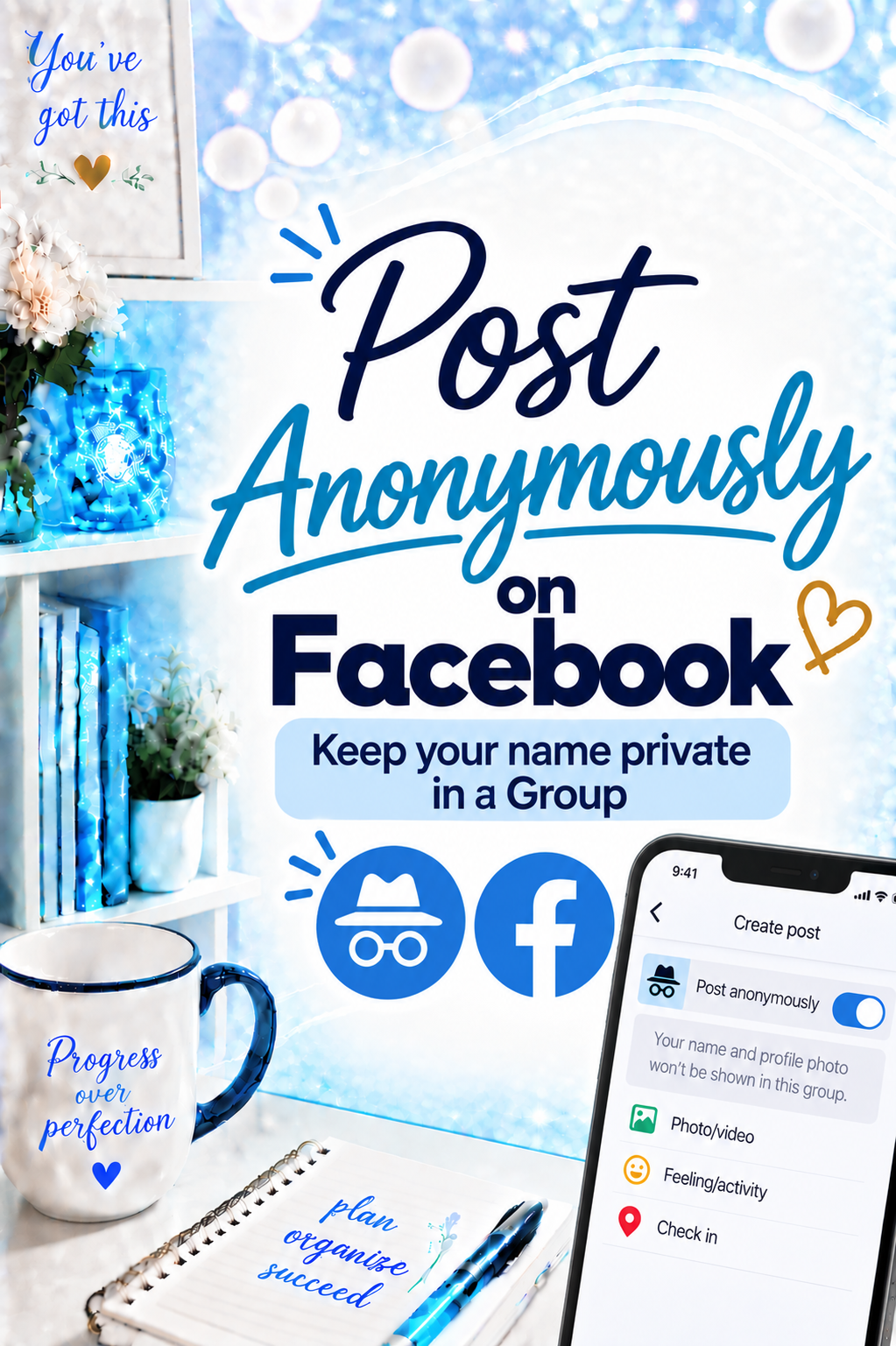
Sometimes you want to ask a question or share something in a Facebook Group without attaching your name to the post for everyone in the group to see.
Depending on the group and its settings, Facebook may give you the option to participate anonymously.
If you’ve seen anonymous posts in a group and wondered, “How are they doing that?”—here’s what you need to know.
📺 Watch the video below

Can You Post Anonymously in Any Facebook Group?
No.
Anonymous participation has to be available and enabled for that particular group.
Group admins control whether members have access to anonymous participation. So if you don’t see the option in a group, it may simply not be available there.
That’s important because you aren’t missing some secret Facebook button. 😂
How to Create an Anonymous Post
Go to the Facebook Group where you want to post and start creating a post.
If anonymous participation is available in that group, Facebook will give you an option to post anonymously or otherwise participate anonymously.
Choose that option and follow Facebook’s prompts.
You can then create your post without your regular profile identity being displayed to the other group members in the usual way.
Depending on the group’s settings, your post may also need admin or moderator approval before it appears.
Facebook changes its interface regularly, so the exact wording and location of these options may change. If your screen looks a little different from mine, look for Facebook’s current anonymous participation options when creating your post.
Anonymous Doesn’t Mean Anonymous to Everyone
Here’s the part that’s REALLY important to understand.
Posting anonymously doesn’t necessarily mean your identity is hidden from Facebook or from the people responsible for managing the group.
Facebook provides information during the anonymous posting process explaining who may still be able to see your identity.
Read that notice before posting so you understand exactly what “anonymous” means in that particular situation.
In other words:
Anonymous to the group does not necessarily mean anonymous to everyone.
Why Would Someone Want to Post Anonymously?
There are plenty of legitimate reasons.
Someone might want to ask about a sensitive personal situation, health concern, workplace issue, financial question, family matter, or another topic they aren’t comfortable attaching publicly to their profile.
In groups designed for those kinds of conversations, anonymous participation can make it easier for people to ask for information or support.
Don’t See the Anonymous Option?
If other people are posting anonymously but you can’t find the option, first make sure you’re looking at the current posting options Facebook provides in that group and on the device you’re using.
If anonymous participation isn’t available to you, remember that the feature depends on Facebook’s functionality and the group’s settings.
You can’t simply make a regular Facebook post anonymous after the fact.
Privacy Tools Are Worth Understanding
Anonymous participation is one of those Facebook features you may never need—until suddenly you do.
The important thing isn’t memorizing exactly where Facebook put the button this month.
It’s understanding that the feature exists, knowing that the group has to allow it, and recognizing that anonymous doesn’t necessarily mean your identity is hidden from absolutely everyone.
Now, the next time you see an anonymous post in a Facebook Group, you’ll know how that works—and where to look if you ever need to create one yourself.
Technology Made Simple. 💙