Do you find yourself typing long messages on your phone?
There’s a faster way.
Most smartphones have a built-in voice-to-text feature that lets you simply speak your message instead of typing it one letter at a time.
Click the image below to watch this quick tutorial.
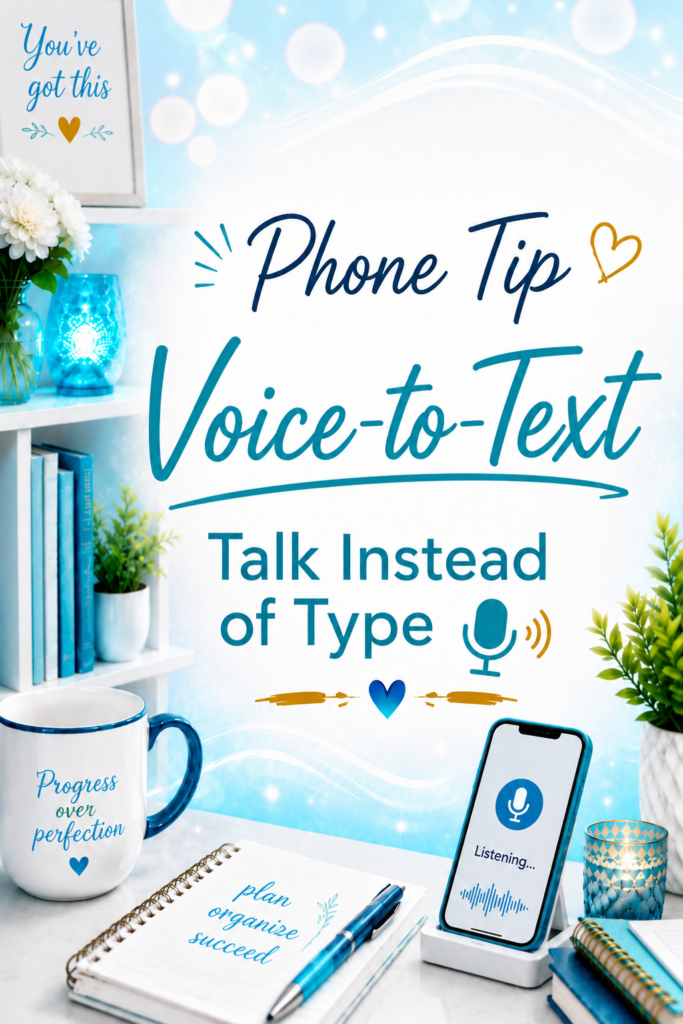
What Is Voice-to-Text?
Voice-to-text lets your phone convert your spoken words into text almost instantly.
You’ll usually find a small microphone icon on your keyboard. Tap it, start talking, and watch your words appear on the screen.
You can use it almost anywhere you type, including:
- Text messages
- Emails
- Facebook posts
- Messenger
- Notes
- Search bars
It’s built into both iPhone and Android devices, so there’s nothing extra to download.
Why This Matters
Using voice-to-text can help you:
- Respond to messages much faster
- Write longer messages with less effort
- Reduce typing on small phone keyboards
- Capture ideas before you forget them
- Save time throughout your day
Like any tool, it gets better with a little practice. You may need to make the occasional correction, but for most messages, it’s surprisingly accurate.
My Recommendation
The next time you need to send more than a sentence or two, tap the microphone instead of reaching for the keyboard.
After you’ve used it a few times, you’ll probably find yourself using it more often than typing.
Tech Confidence Takeaway
Technology doesn’t always have to be complicated to make a big difference. Sometimes one small feature that’s already built into your phone can save you time every single day.