Have you ever created the perfect graphic for one social media platform, only to realize you need a different size for another?
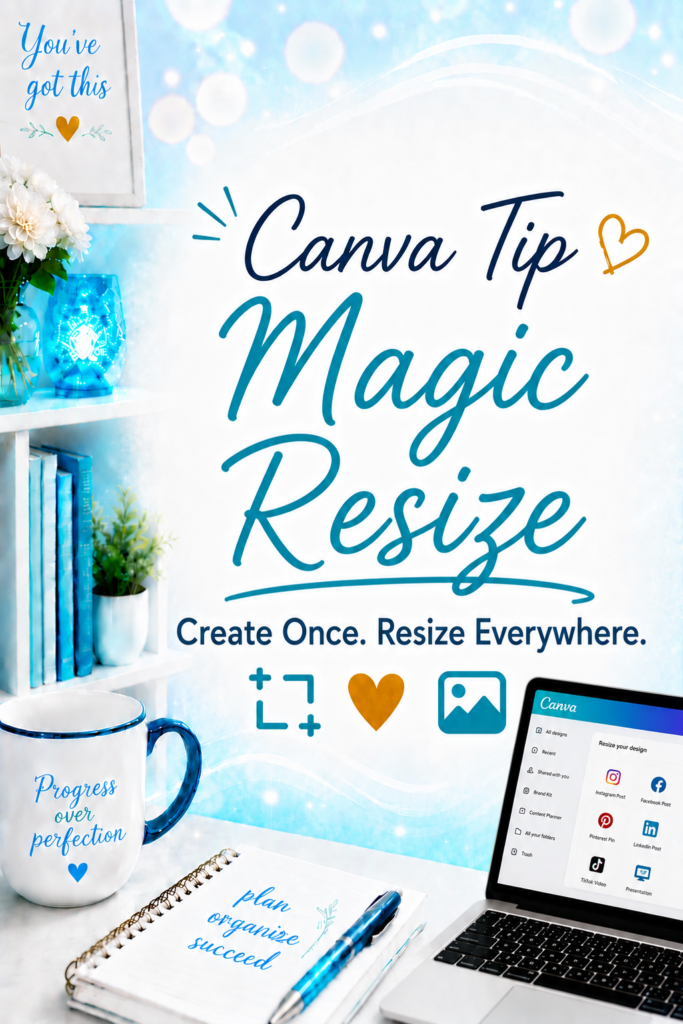
Instead of starting over, Canva Pro includes a feature called Magic Resize that can do most of the work for you.
Click the image below to watch this quick tutorial.
What Is Magic Resize?
Magic Resize is a Canva Pro feature that lets you quickly convert one design into multiple sizes.
For example, you can take a square Facebook post and resize it into:
- Instagram Story
- Facebook Story
- Pinterest Pin
- LinkedIn Post
- Presentation
- Flyer
- And many other formats
With just a few clicks, Canva creates a copy of your design in the new size.
Why I Love It
Creating content takes time.
Magic Resize helps you get more value from the work you’ve already done by adapting your design for multiple platforms instead of recreating it from scratch.
You may still need to make a few small adjustments after resizing, but Canva does most of the heavy lifting.
When to Use It
Magic Resize is perfect when you want to:
- Repurpose social media graphics
- Create multiple versions of the same design
- Save time during content creation
- Keep your branding consistent across platforms
It’s one of my favorite time-saving features in Canva Pro.
Tech Confidence Takeaway
One of the easiest ways to work smarter is to let technology handle the repetitive tasks. Magic Resize won’t replace your creativity—but it can save you a lot of time.