Our phones are amazing tools—but they can also be one of our biggest distractions.
That’s why both iPhone and Android include Focus Modes, a built-in feature that helps you control notifications and reduce interruptions when you need to concentrate.
Click the image below to watch this quick tutorial.
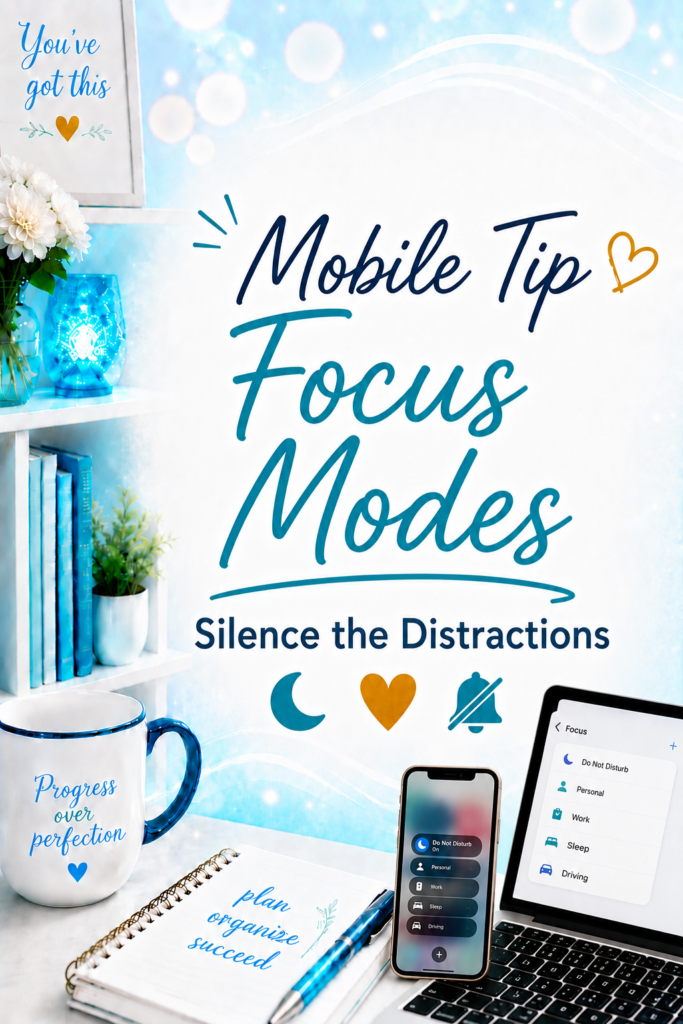
What Are Focus Modes?
Focus Modes let you customize when and how your phone notifies you.
Instead of being interrupted by every app, text, or notification, you can create different focus settings for different parts of your day.
For example, you might have a:
- Work Focus
- Personal Focus
- Sleep Focus
- Do Not Disturb
Each one can allow only the people and apps that matter during that time.
Why I Like It
One of the biggest productivity killers is constant interruption.
Even a quick notification can pull your attention away from what you’re doing.
Focus Modes help you stay present by reducing unnecessary distractions while still allowing important calls or messages to come through if you choose.
When to Use It
Focus Modes are especially helpful when you’re:
- Working on an important project
- Attending a meeting
- Spending time with family
- Reading or studying
- Sleeping
- Simply wanting a little more uninterrupted time
The best part is that once you set it up, your phone can automatically switch modes based on the time of day or your schedule.
Tech Confidence Takeaway
Technology shouldn’t constantly compete for your attention. Sometimes the smartest feature isn’t one that does more—it’s one that helps you focus on what matters most.